




Voice and Visual searching are not new, but it has become considerably better. While text searching is still much the norm, voice and visual searching are not far behind in both functionality and popularity.
Voice Searching
Searching using voice involves speech recognition technology that converts what you say to text. It analyses the frequency of your voice and understands what you are saying. Once it comprehends your voice, it runs an algorithm to search the question through its database. Voice search is often interactive, the system will ask for clarification by asking several questions. This will refine your search query, making it possible to narrow down the results and find what you are looking for.
Many devices allow for hands-off voice search. You do not even have to pick up the device to ask a question. This is desirable for people constantly on the go, especially if they are driving.
Where to Try It
You can try saying “Ok Google” to your Android devices or “Hey Siri” to your Apple devices. This will start up the voice assistant on your phone, laptop, or tablet. Then, you can ask them your questions.
Google Assistant
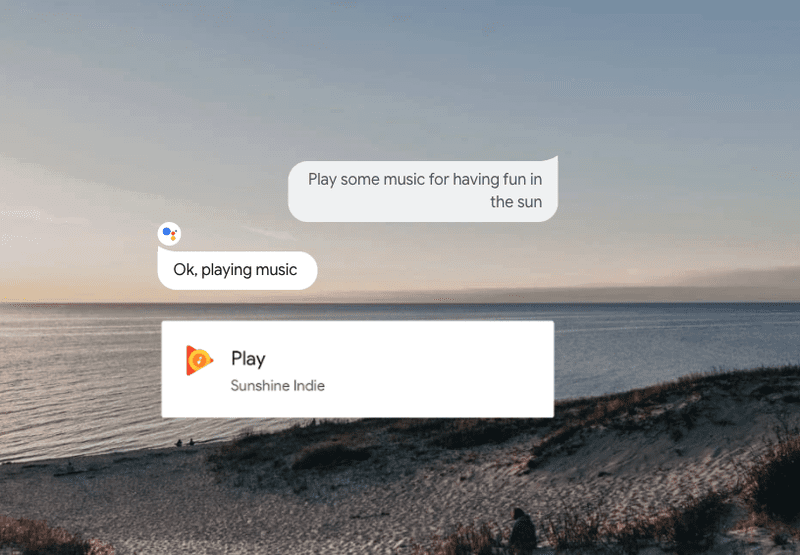
Google Assistant is an artificial intelligence-powered virtual assistant. It can engage in two-way conversations to find out what you want. Google Assistant can manage your schedule, play music and videos, help with everyday tasks, control smart-home devices, and much more.
Find answers to your questions quickly while you are at home, or out and about. Get real-time weather forecasts and updates, search the web, get language translations when you're abroad, find how-to videos, or check sports scores.
Siri
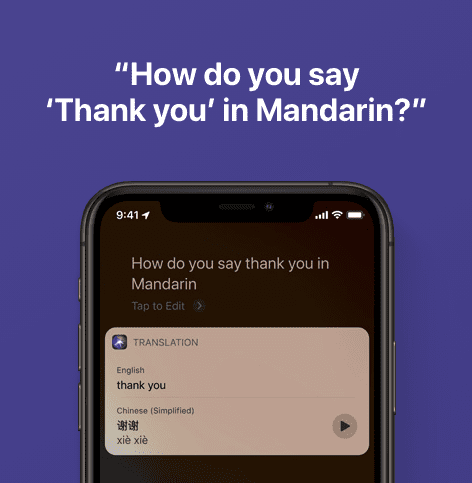
Siri is a built-in, voice-controlled personal assistant available for Apple users. The idea is that you talk to her as you would a friend and she aims to help you get things done. You could make a dinner reservation, send a message, search for something, or learn new things.
Siri has access to every built-in application on your Apple device. She will call upon them to present data or search through their databases to get what you need to be done. She pretty much does all the legwork for you.
Amazon Alexa

Amazon Alexa, also known simply as Alexa, is a cloud-based voice service that would make you’re life easier. It brings hands-free living into your home. With just a command, Alexa can keep you entertained, organised, and connected. Alexa can bring you the lastest updated from you favourite newsrooms, and keep you updated on what matters to you.
She can especially help you with shopping. With having a direct connection with the Amazon store, Alexa can easily help you add products to your cart, and help you track your packages.
If you need facts, Alexa has facts for you. Alexa can find out what you need, when you need it. She can help you find your nearest stores, do calculations, convert currencies and measurements, spell out words, and translate words and phrases for you.
Want to try out Alexa? Head the the Amazon store and grab one of their devices.
Visual Searching
Visual searching is a camera-based search that uses neural networks to identify and understand images without a search query. With just an image, the search engine can find related information in the form of web pages, locations, other images, and videos.
Visual searching has been mainly used by mobile devices like smartphones and the occasional tablet. A popular use of visual searching is to look up the price of a product and where it is being sold. People also use it to translate text, making travelling around another country much easier.
One of the most important advantages of visual search is that you can search for something without having to describe it. There is no need to find the right words to search for something specific. Hence, instead of doing multiple searches to refine your query, you can just take a photo and use the image as your query.
Where to Try It
Google Lens
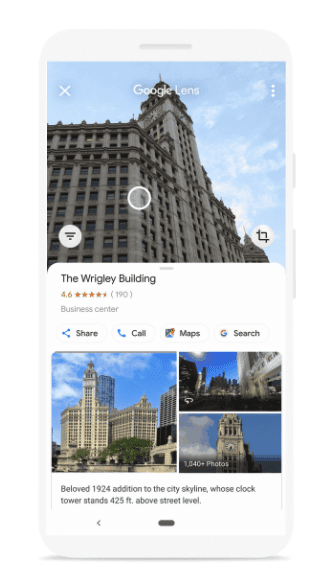
Google Lens is a visual search engine that helps you identity objects, plants, animals, and places just by taking a photo of the subject of interest. One of its best features is that it has been incorporated with the existing Google text-based search engine, and with it, Google Lens can provide a great amount of information about the photo that was taken.
Google Lens also has the ability to scan and translate text in real-time. Furthermore, using its ability to scan, it lets you call a number, schedule an event in your calendar, or copy any text you see.
Google Lens is available on Android and Apple devices, you grab it and give it a try.
Pinterest Lens
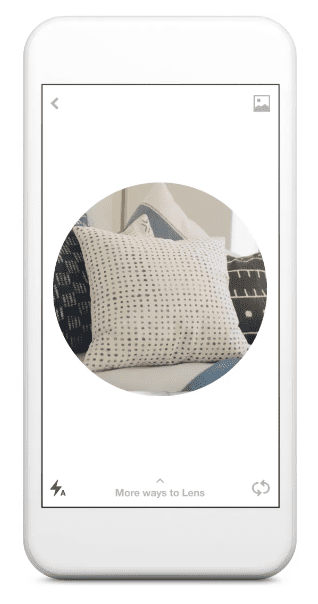
Pinterest has one of the largest databases of images, with the platform having thousands upon thousands of images for anyone to browse through. Searching through these images will take a good amount of time, so Pinterest introduced a visual searching feature called Pinterest Lens.
Lens lets you discover new ideas and interests by pointing your Pinterest camera at anything that catches your attention. Pointing Lens at an ingredient will let you discover new recipes you will enjoy. Pointing it at an item will help you find out where to buy it.
Pinterest Lens not only looks at images that have a similar object or symbol but also images that have similar silhouettes. This will bring out a variety of results for you to look through to find what you want.
To try it out, get it through the Apple Store or Google Play.
Bixby Vision
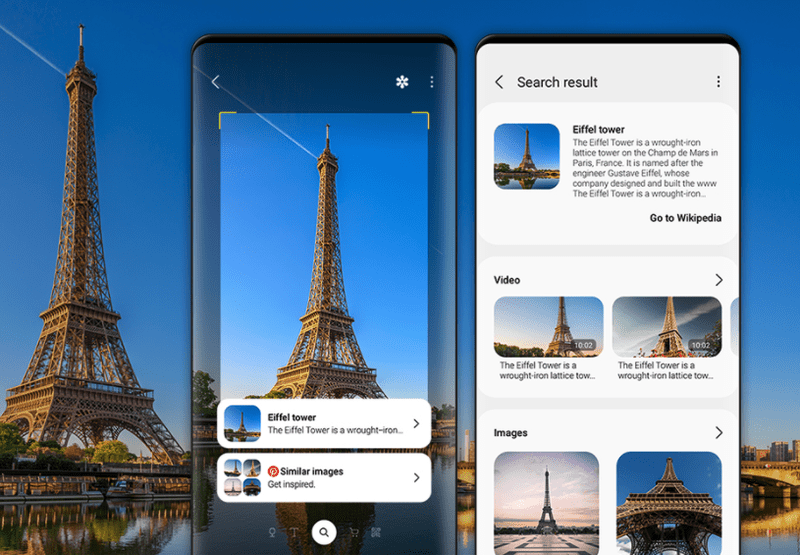
Bixby Vision is a feature of Bixby, the counterpart of Siri for Samsung devices. It is built into the device, so no need to download anything. Bixby Vision makes it easier to learn more about the world around you. Tap the Vision icon in the camera or gallery app to search, translate, or shop by just pointing the camera at the object of interest. It also has accessibility support to help those who are visually impaired.
With Bixby Vision, you can search smarter. You don’t have to struggle with finding the right keywords, just point your camera at it. Bixby Vision will bring the information you need, including images and videos.