



In a world saturated with apps promising to “change your life,” finding simple apps that actually help can feel surprisingly difficult. Between Slack threads, endless notifications, and productivity tools that feel more like projects in themselves, many of us end up spending more energy managing our digital tools than actually using them to get things done.
So what if we took a different approach?
What if we focused on a handful of simple apps — tools that do one thing well, stay out of the way, and genuinely make daily life smoother?
That’s the inspiration behind this post: to highlight purposeful, straightforward apps that quietly help you stay organised, focused, and balanced. No fluff. No noise. Just genuinely useful tools.
Why Simplicity Matters (and Why We Overcomplicate)
Many people unknowingly fill their home screens with multiple versions of the same kind of app — three note apps, two calendars, four to-do lists — each promising the perfect system. Tech writers often describe this as “app drawer clutter,” and it’s one of the most common reasons people feel disorganised even when they’re trying to become more productive.
Real-world usage studies consistently show the same pattern: despite installing dozens of apps, most people end up relying on just a small core set each week. Everything else gets ignored or abandoned.
By intentionally choosing fewer, high-quality apps, you reduce friction — fewer notifications, fewer decisions, less mental overhead. Instead, you build a simple “digital toolkit” that supports the tasks that matter: planning, focusing, remembering, and maintaining your well-being.
A Closer Look at Apps That Actually Help
Before we dive into the specific app recommendations, it’s worth noting how AI-driven tools are also enhancing productivity in practical, everyday ways. FONSEKA’s guide on AI tools for executive assistants highlights how artificial intelligence can streamline routine tasks, support decision-making, and complement the simple apps discussed in this article.
Below are several apps that routinely show up in top tech blog recommendations (from creators like Ali Abdaal, productivity experts on Zapier, and reviewers across YouTube and Medium). They’re clean, focused, and genuinely useful — not bloated with features most people never need.
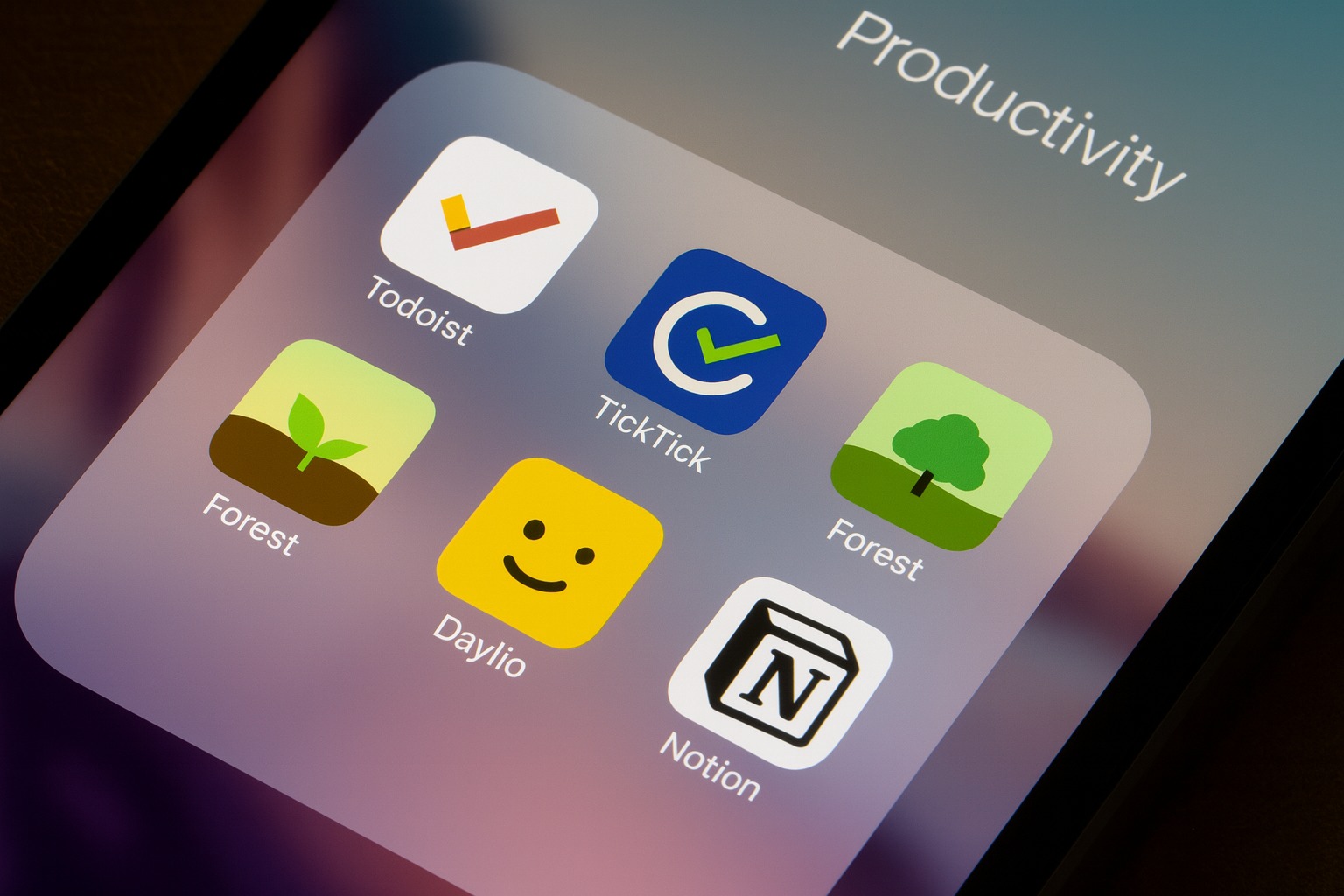
1. Todoist — a clean, reliable space for your tasks

Todoist is often mentioned in productivity guides — Zapier calls it one of the most balanced to-do apps available — because it combines structure with simplicity. It supports everything you’d expect (subtasks, reminders, due dates), but it never feels overwhelming.
One of its best features is natural-language input. Instead of tapping through menus, you can type something like “Pay rent next Friday”, and Todoist automatically sets the correct date and reminder. Many reviewers, including Ali Abdaal in his productivity app roundups, highlight this as one of the key reasons people stick with Todoist long-term.
If you want a “digital to-do pad” that works the same on your phone, laptop, or tablet, Todoist is a safe and dependable choice.
2. TickTick — task management with built-in focus tools

TickTick often appears next to Todoist in “best task app” lists, but it offers something unique: a built-in Pomodoro timer. This means you can plan your tasks and immediately start focused 25-minute work sessions without switching apps.
Platforms like efficient.app call TickTick “one of the most feature-complete but still lightweight task apps,” mainly because it also includes a habit tracker and a calendar view — yet somehow remains uncluttered.
If your workflow involves time-boxing or daily focus sessions, TickTick bundles everything together in one tidy package.
3. Forest — staying focused by growing real (and virtual) trees

Forest transforms focus into something visual and intentional. When you want to concentrate, you plant a virtual tree. If you leave the app to check social media or messages, the tree dies.
What makes Forest special — beyond its elegant simplicity — is that it creates a small emotional incentive to not get distracted. Over time, you grow an entire “forest” of focus sessions, which many users find more motivating than traditional timers.
It’s frequently recommended on productivity blogs because it makes staying focused feel almost like a game, but without becoming a distraction itself.
4. Daylio — the simplest way to track mood & habits

Daylio works for people who love the idea of journaling but don’t want to write full entries every day. Instead, you just tap a mood and choose the activities you did — that’s it.
What makes Daylio so effective is how it builds meaningful insights from tiny daily check-ins. Over time, you can spot trends like “I have more good days when I exercise” or “My weekends feel better when I take breaks from my phone.”
Many mental health bloggers recommend Daylio specifically because it lowers the barrier to self-reflection. You don’t have to write; you just tap — and the app turns your check-ins into meaningful patterns.
5. Notion — powerful, but only when used simply

Notion is famous for its flexibility — which is both its superpower and its trap. When you keep things minimal, Notion becomes an excellent all-in-one workspace for notes, basic planning, and simple lists.
However, many bloggers warn against turning it into a complex, over-engineered system. If you treat Notion as a digital notebook rather than a productivity experiment, it becomes one of the cleanest ways to organise your ideas.
Use it for what you need — nothing more — and it becomes a calm, powerful tool instead of a rabbit hole.
How to Choose Apps Purposefully
To avoid app overload, try following a simple decision framework:
- Start with the problem, not the app. Are you struggling with focus? Tasks? Habit tracking? Identify your core need first.
- Pick one app per purpose. One for tasks, one for focus, one for notes. Overlapping apps create unnecessary confusion.
- Keep it lightweight. If an app requires long tutorials to understand, it’s probably too much.
- Prioritise cross-device sync. Use tools that work the same way on your phone and computer — it makes habits easier to maintain.
- Reassess occasionally. If you haven’t opened an app in weeks, uninstall it. Simplicity comes from reducing noise.
Conclusion
In a time where every new app promises to optimise your entire life, the real power often lies in choosing less, not more. Purposeful apps like Todoist, TickTick, Forest, Daylio, and a simply used Notion don’t try to reinvent everything. They just make everyday tasks — planning, focusing, reflecting — a little easier.
When you pick apps intentionally, keep what works, and let go of the rest, digital minimalism becomes more than a concept. It becomes clarity.